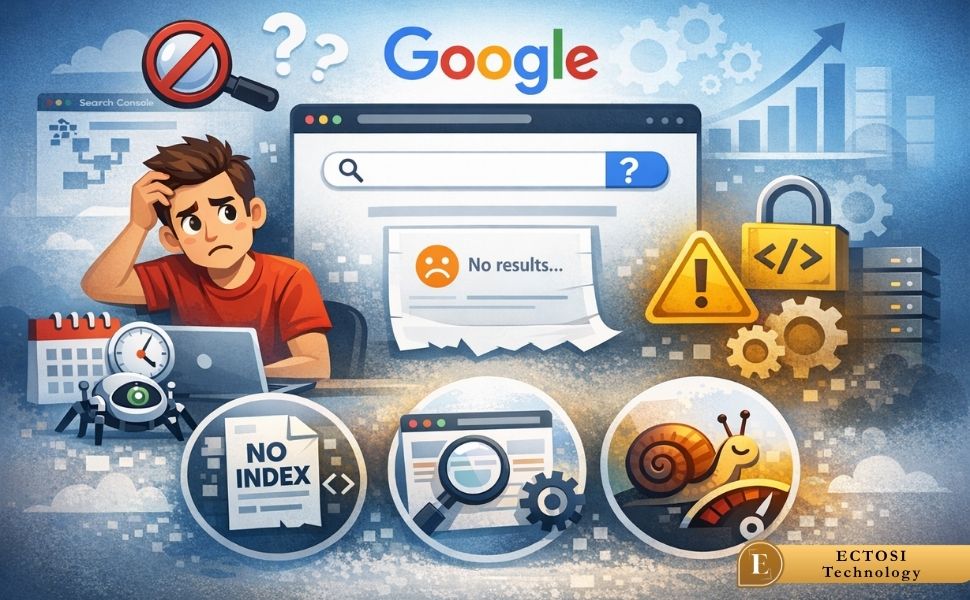
You invested in a modern website. It looks great, works fast on mobile, and the offer is polished to perfection. But days go by, and the phone isn't ringing.
You start typing your company's name into the search engine and discover the terrifying truth – your website is not visible on Google.
This is one of the most common (and most stressful) problems our clients face. However, before you panic or blame the developer, it's worth determining what exactly the problem is. Sometimes, the solution is just one click away.
Step 1: How to check if your website is on Google?
Clients often confuse two situations: a website that doesn't exist in Google's database at all, with a website that is simply ranked very low (e.g., on the 10th page).
To verify this, use the simplest and most effective tool – the "site" operator. Type the exact following command into the Google search bar (without a space after the colon):
site:yourdomain.com (e.g., site:ectosi.com)
How to read the results?
- No results at all: Your website has not been indexed. To Google's robots, it simply doesn't exist.
- A list of subpages appears: Your website is on Google! However, if clients can't find you, it means you have an SEO problem – your site is losing to the competition and ranking too low for key queries.
Step 2: When will my website appear on Google?
If your website was launched just a few days ago, you need to be patient.
Google doesn't add new websites to its database in real-time. Indexing robots (called crawlers) must first find your site, "read" it, understand its content, and only then place it in the search results.
Typically, this process takes from a few days to even a few weeks.
Tip: You can significantly speed up this process by setting up a free Google Search Console account and submitting a sitemap (sitemap.xml). It's like handing Google's robots an invitation with your company's exact address.
Step 3: Most common reasons why a website is invisible
If a few weeks have passed and the site: command still comes up empty, the problem runs deeper. Here are the 3 most common technical issues that make a website invisible on Google:
1. A leftover "noindex" tag
This is a classic, unfortunately very common mistake made by beginner web developers. During the construction of a website, a special noindex code is added so that Google doesn't index an unfinished project. It happens that after the official launch of the site, the developer... forgets to remove it. As a result, your site has a virtual padlock on it.
2. Lack of SEO optimization (Missing keywords)
Your site might be on Google, but if it lacks properly optimized headings (H1, H2), page titles (Meta Titles), and valuable content, the algorithm doesn't know who to show it to. If you provide IT services in Piaseczno, your website must clearly state this using your clients' language.
3. Technical errors and poor performance
Search engines reward websites that are secure (SSL certificate), responsive (RWD), and fast-loading. If a site is "heavy", poorly coded, or lacks a mobile version, Google will intentionally push it to the bottom of the results to avoid ruining its users' experience.
Conclusion
A lack of visibility on Google is not a death sentence, but a signal that your website needs technical support or a solid SEO strategy. A website is an investment that is supposed to make money – if it doesn't, it's time to diagnose the cause.
Your website isn't selling? Let's diagnose the problem.
Don't guess why the competition is taking your clients. Contact us, and our team of experts will check your website's structure, analyze technical errors, and propose a specific recovery plan.
Effective SEO starts with solid foundations. Let's check them.